How to Use Gamalogic’s Free Single Email Validator Step-by-Step Guide

06 Nov 2025
Sreerag
12 Minutes
Read
Keeping your email lists clean is the first step to better deliverability, fewer bounces, and higher engagement. Gamalogic’s Free Single Email Validator makes it easy to check any email address in seconds no code required. In this post you’ll learn how to validate an email in the dashboard, how to interpret results, and how to upgrade to our API for real-time validation and bulk checks.
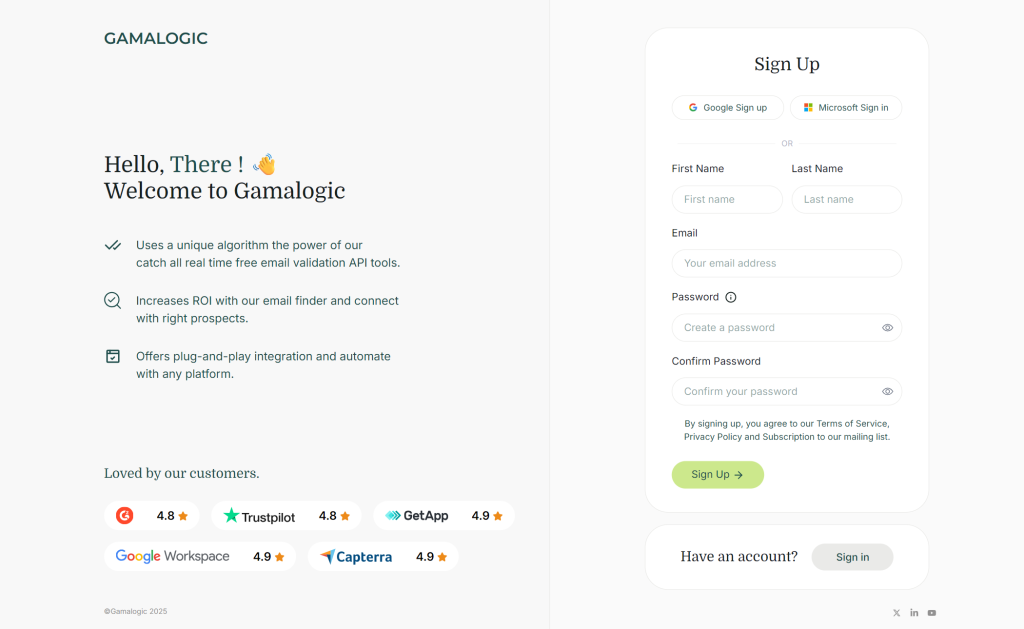
Tip: New accounts get 500 free credits so you can test both single and bulk validation.
jane.doe@example.com) and click Validate.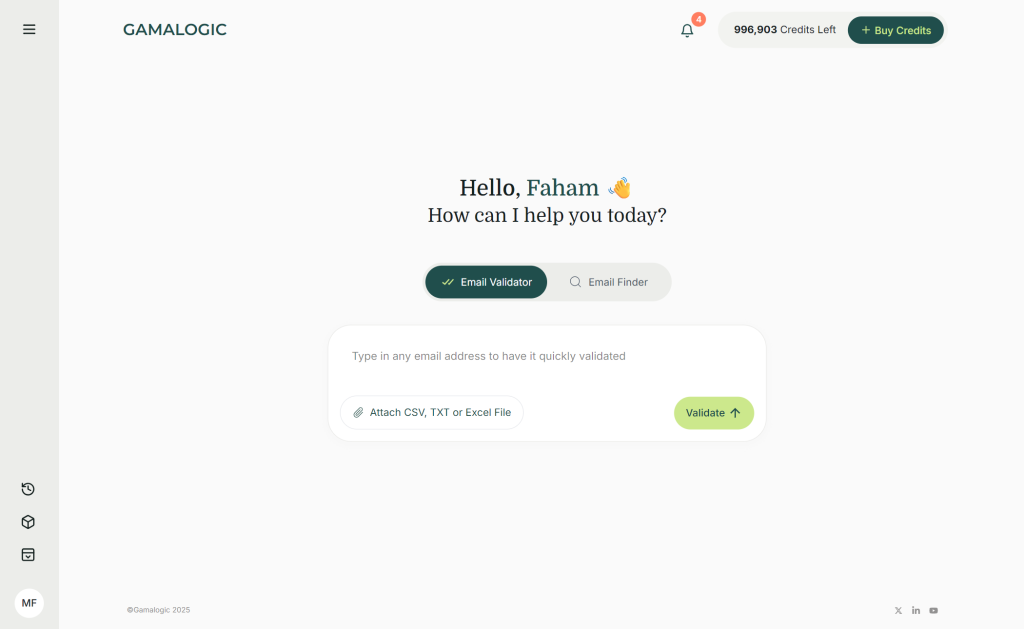
After clicking Validate, the result will appear on the same page.
That’s it! You’ve successfully validated an email using Gamalogic’s Single Email Validator.
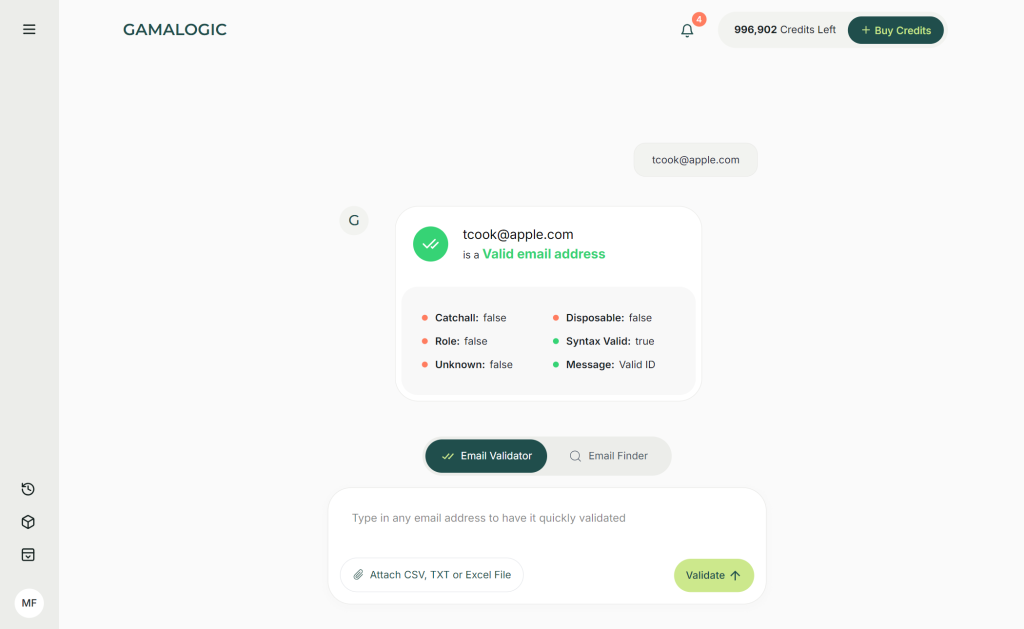
After you click Validate, the result appears instantly on the same page. Typical result labels you may see:
info@, support@, admin@ often lower value for marketing outreach.Each result includes more details (validation layers) and a short explanation so you know what action to take.
If you’re ready to move from the dashboard to programmatic validation, Gamalogic’s API supports single email checks in milliseconds.
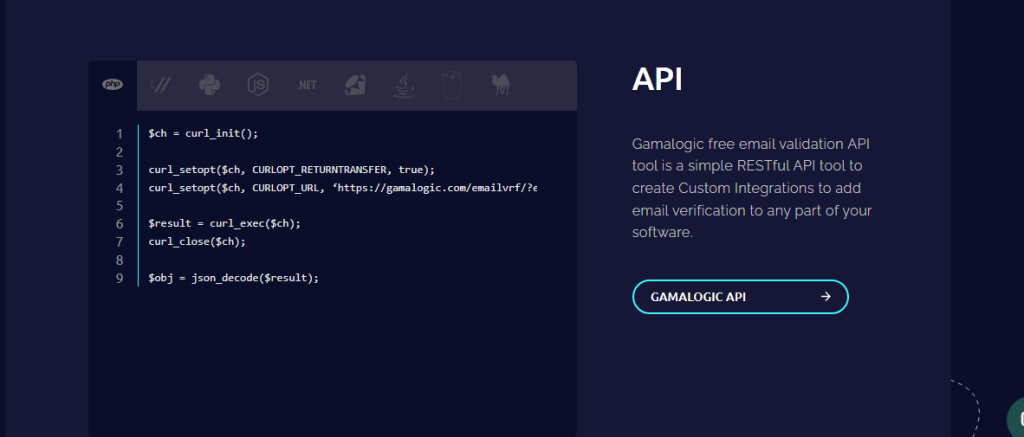
$ch = curl_init();

curl_setopt($ch, CURLOPT_RETURNTRANSFER, true);
curl_setopt($ch, CURLOPT_URL, ‘https://gamalogic.com/emailvrf/?emailid=your_emailid_here&apikey=your_api_key_here’);

$result = curl_exec($ch);
curl_close($ch);

$obj = json_decode($result);
Note: Replace
YOUR_API_KEYwith the API key found in your Gamalogic dashboard. See full API docs for request parameters, response fields, and SDKs. View API Documentation
Gamalogic starts with 500 free credits so you can test both single and bulk validation. When you’re ready to scale, choose a plan that fits your usage:
Each paid plan includes full API access, higher rate limits, priority support, and advanced features like catch-all prediction and custom white-label reports. Visit the Pricing page or contact sales at info@gamalogic.com to discuss enterprise options.
Validating emails is one of the fastest ways to improve campaign performance and protect your sender reputation. Use Gamalogic’s Free Single Email Validator to check addresses instantly, then scale to the API or bulk tools as your needs grow.
Start for free get 500 credits and validate your first email now.
Get 500 Free Credits and Start Validating → | View API Documentation →



This ultimate checklist helps marketers master email validation—ensuring higher deliverability, fewer bounces, and smarter campaigns. Stay ahead of spam filters and meet rising audience expectations with every send. Clean lists, better results.
Invalid emails don’t just bounce—they damage your sender reputation and derail your campaigns. Learn how real-time email validation can keep your list clean, boost deliverability, and protect your brand's reach.
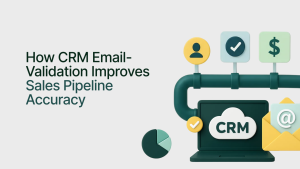
CRM email validation improves sales pipeline accuracy by removing invalid contacts, reducing deal leakage, and strengthening forecasting reliability. Learn how How CRM Email Validation Improves Sales Pipeline Accuracy.




 No credit card required





Post your Comment.